
Add SmartApply
to Chrome
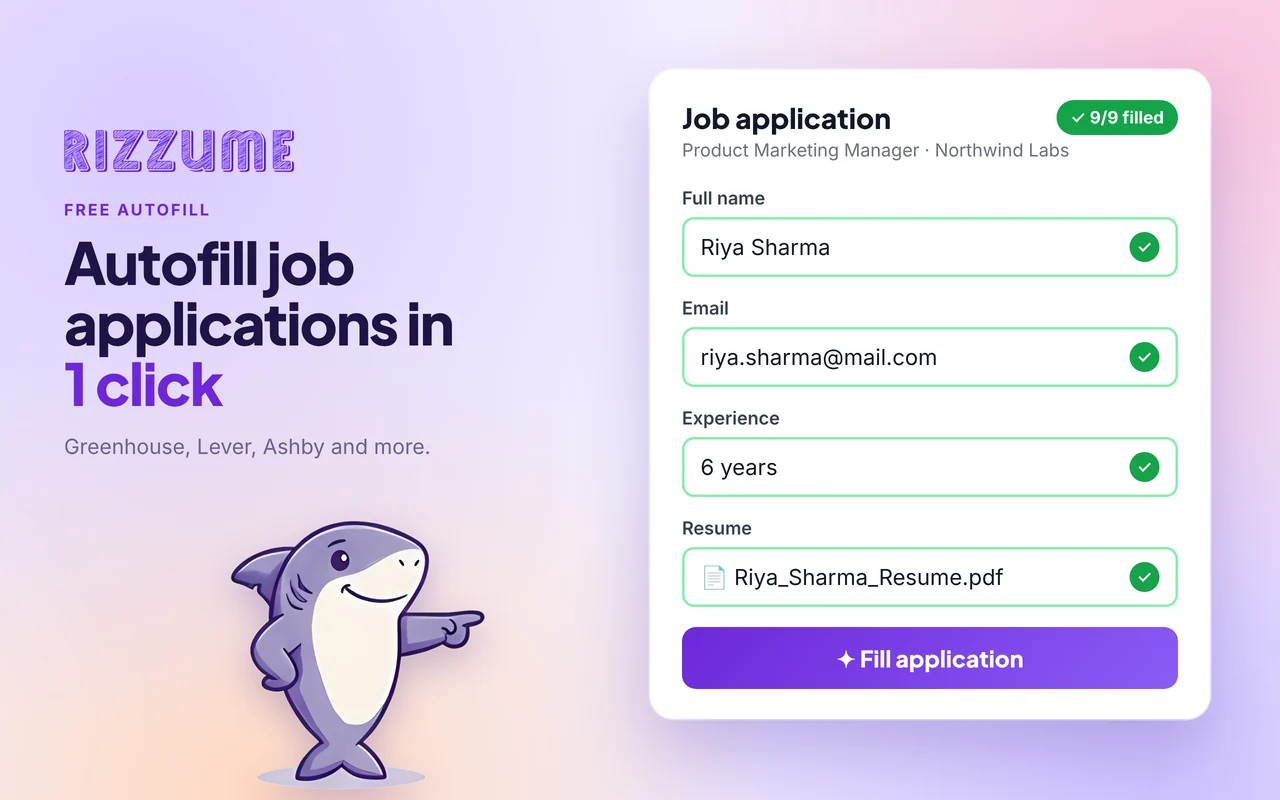
Autofill job applications in 1 click. Cover letters, a red-flag scanner and your job tracker, right in your browser.

Get the RIZZUME
Android app
Smart Apply, job alerts and your job tracker, on your phone.
Coming to Google Play soonOn a computer?Scan with your Android phone’s camera to open this page there.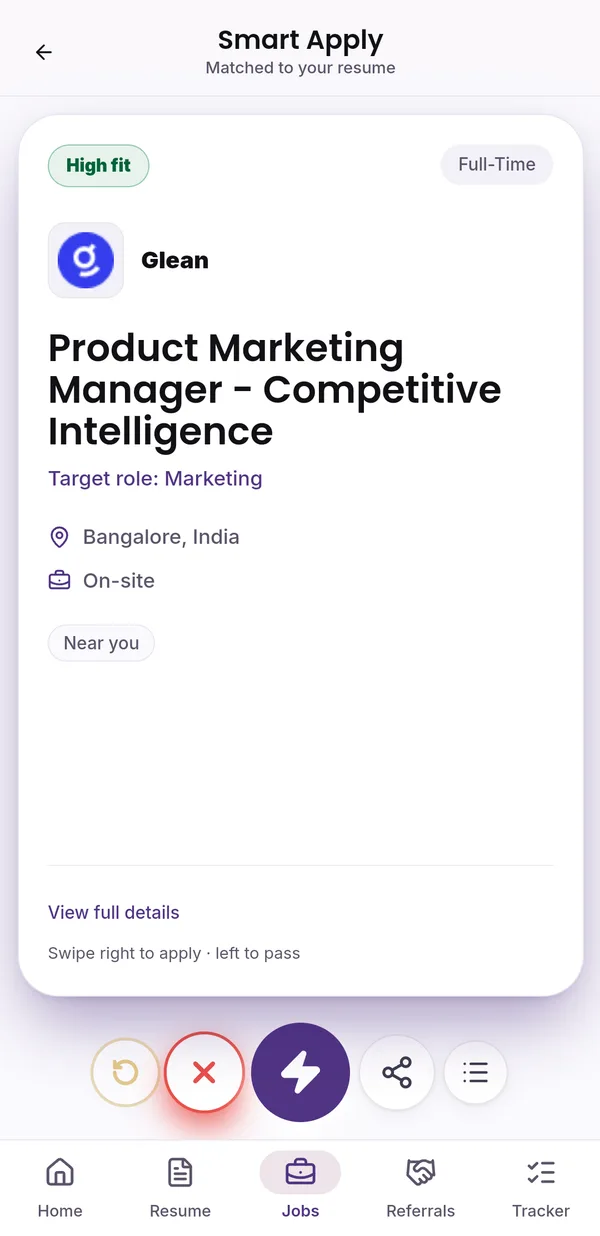
- Smart ApplySwipe right to apply, left to pass.
- Job alertsNew jobs that match you, sent to your phone.
- Job trackerEvery application you send, in one list.
How to install
The app is not on Google Play yet, so your phone asks you to allow it once.
Download
Tap the button above. If Chrome warns that the file might be harmful, tap Download anyway. It is our app, signed by RIZZUME.
Allow the install
Open the file from the notification or your Downloads. If your phone says it is not allowed to install unknown apps, tap Settings, turn on Allow from this source, go back and tap the file again.
Install and sign in
Tap Install, then Open, and sign in with your RIZZUME account. If Play Protect asks, tap More details, then Install anyway.
Only download the app from this page. When RIZZUME is on Google Play, you can update this app from there without uninstalling it.
IPHONE
On iPhone?
App Store coming soon.
Until then, open rizzume.app in Safari, tap the Share button, then Add to Home Screen. RIZZUME opens from your home screen like an app.
Open rizzume.appGet the RIZZUME Android app
Smart Apply, job alerts and your job tracker, on your phone.
Download for Android- DownloadIf Chrome warns you, tap Download anyway.
- Open the fileIf asked, turn on Allow from this source.
- Install and sign inTap Install, then Open.
Need help installing?
Swipe right to apply, left to pass.
Only download the app from this page. When RIZZUME is on Google Play, you can update this app from there without uninstalling it.

RIZZUME on your iPhone
Until then, add RIZZUME to your home screen. It opens like an app.
- Open rizzume.app in SafariYou may already be there.
- Tap the Share buttonIt is in Safari's toolbar.
- Add to Home ScreenRIZZUME opens from your home screen like an app.